
Table of Contents
Kali Linux for CSP/CSS
Kali Linux install for Virtualbox on Apple Silicon M1/M2/M3/M4?
For x86_64 → go here
 NOT FOR PRODUCTION
Prerequisite
- Apple Silicon MX CPU
- Kali ARM iso install Apple Silicon (ARM64)
- For Silicon Macs: UTM Tweak install
Install
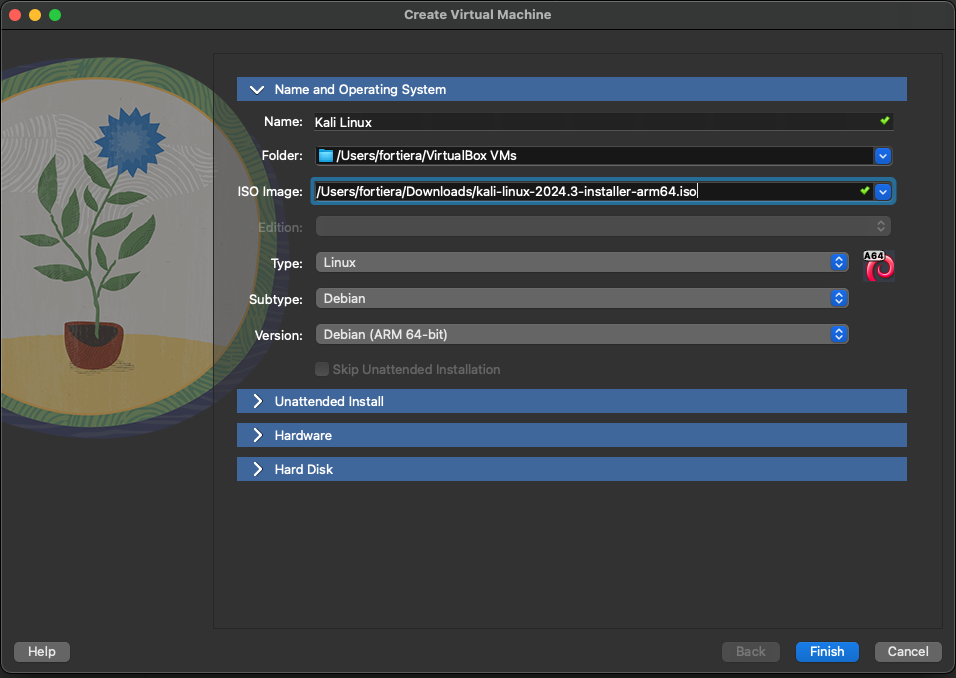
Create a VM using the iso as bootable CD
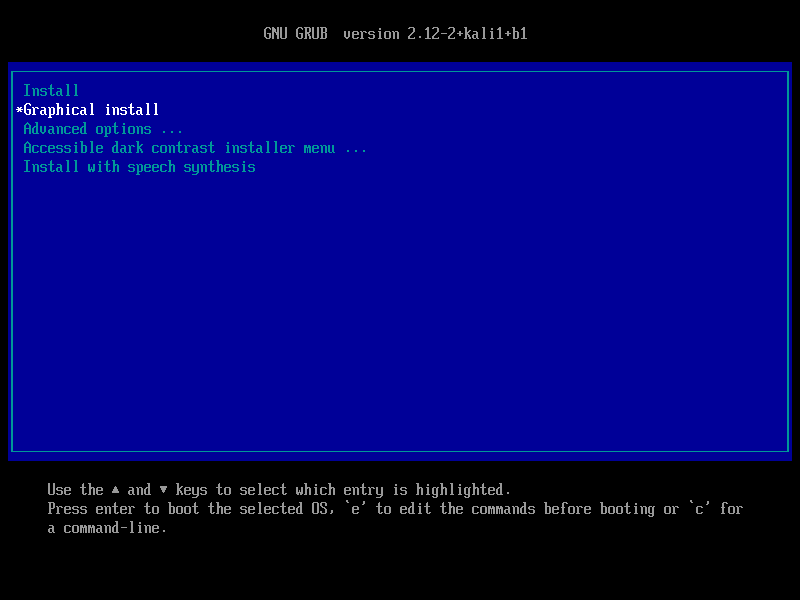
Launch the machine
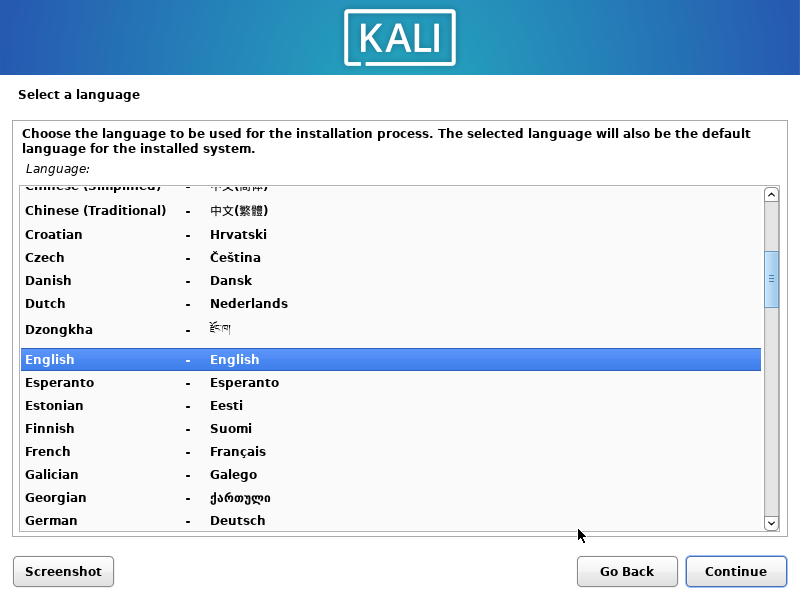
select language
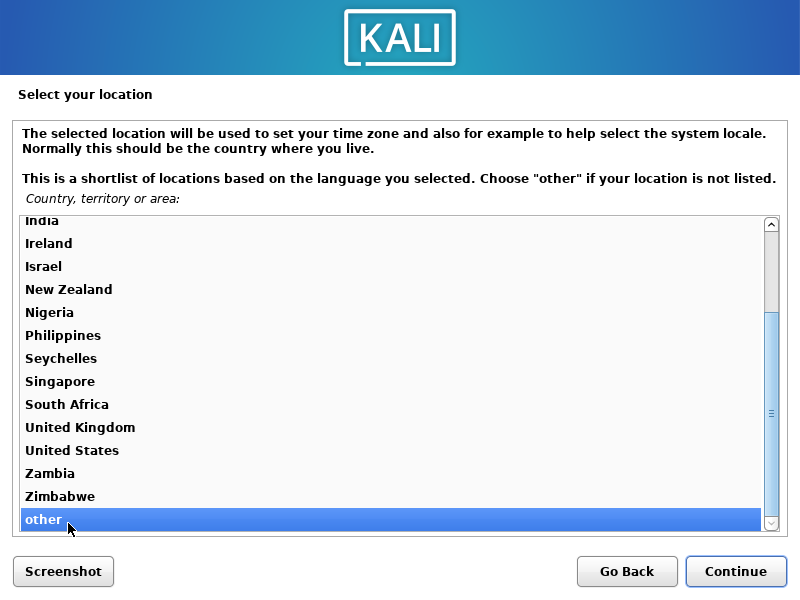
select country
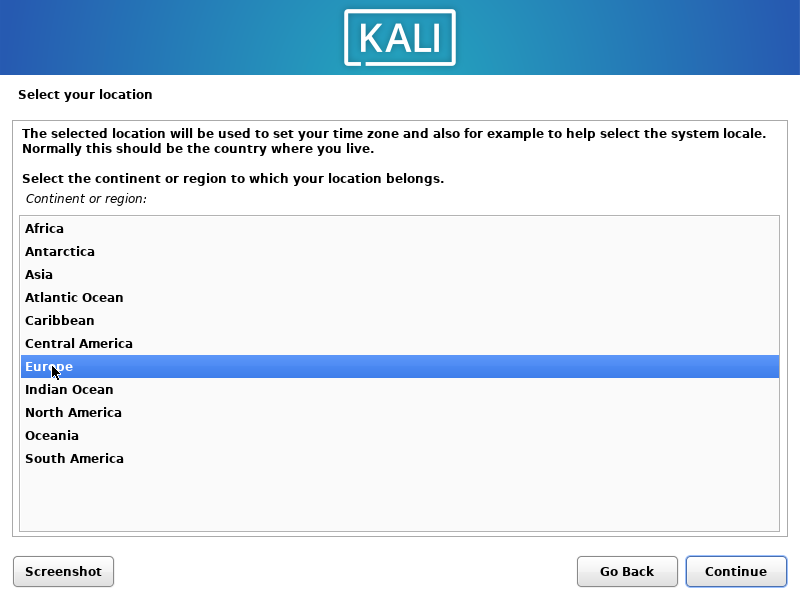
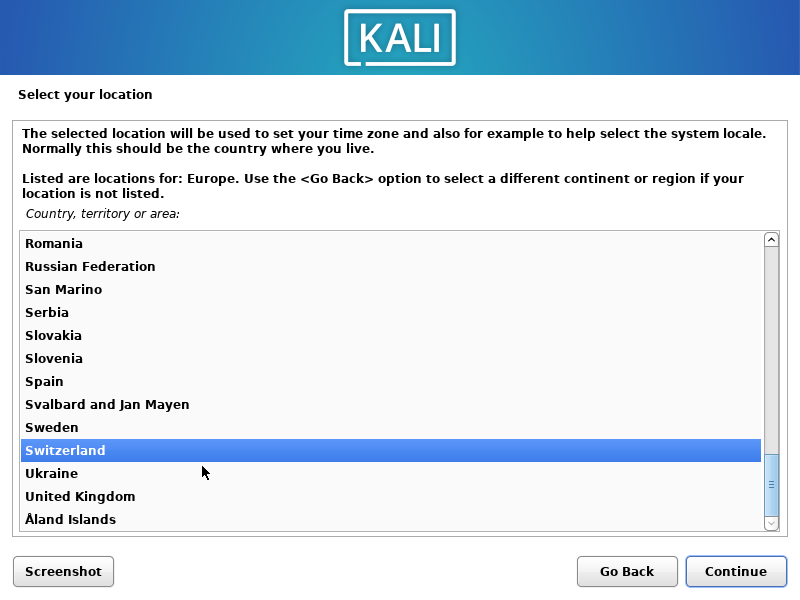
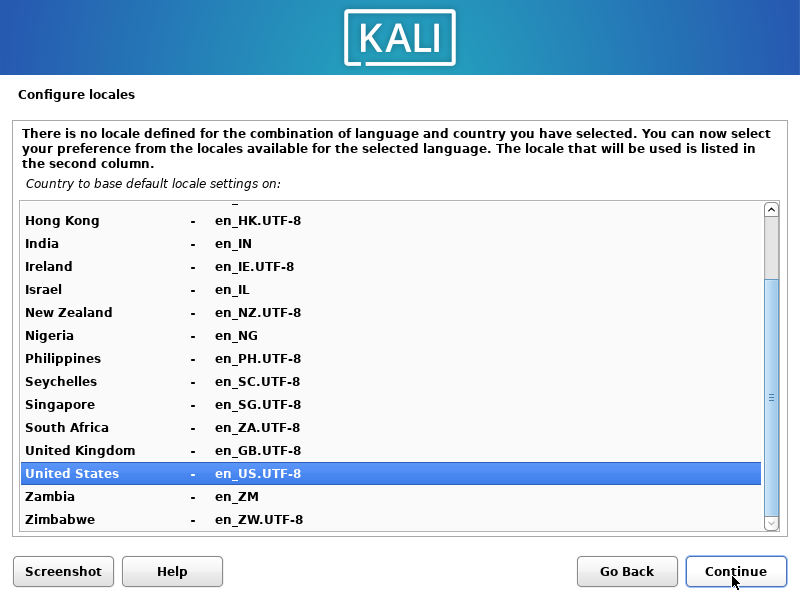
locales
Keyboard mapping
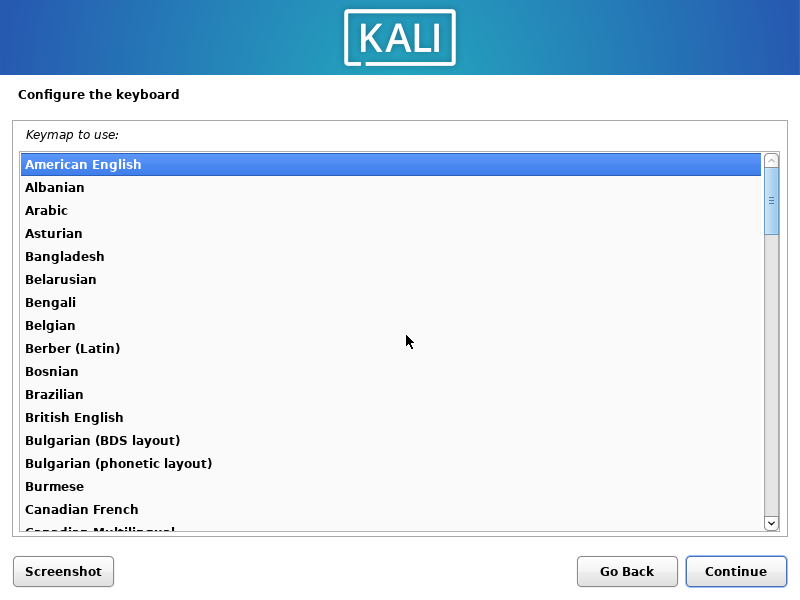 or
or
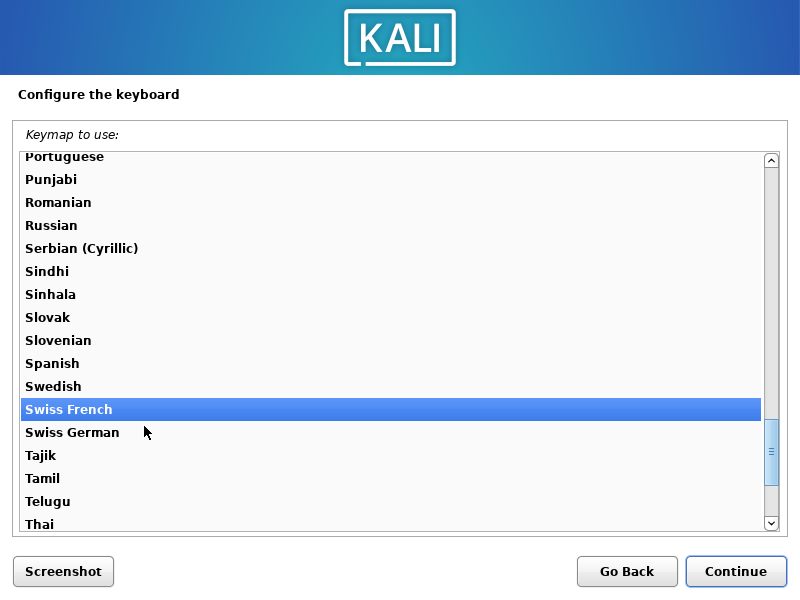
machine name
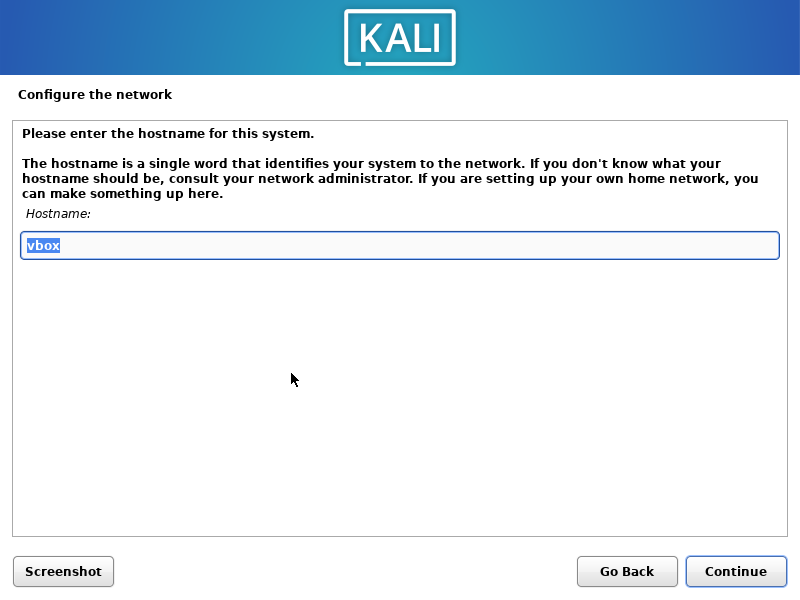
user (sudoer) + password
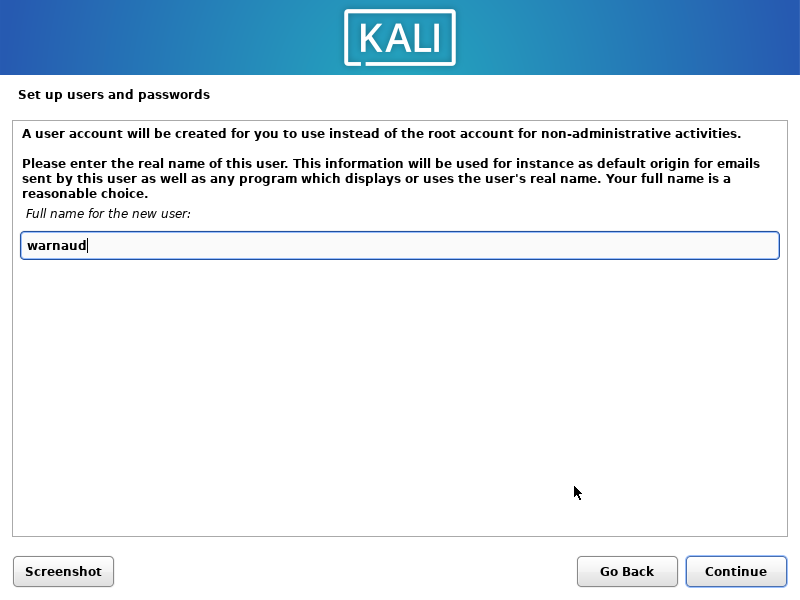
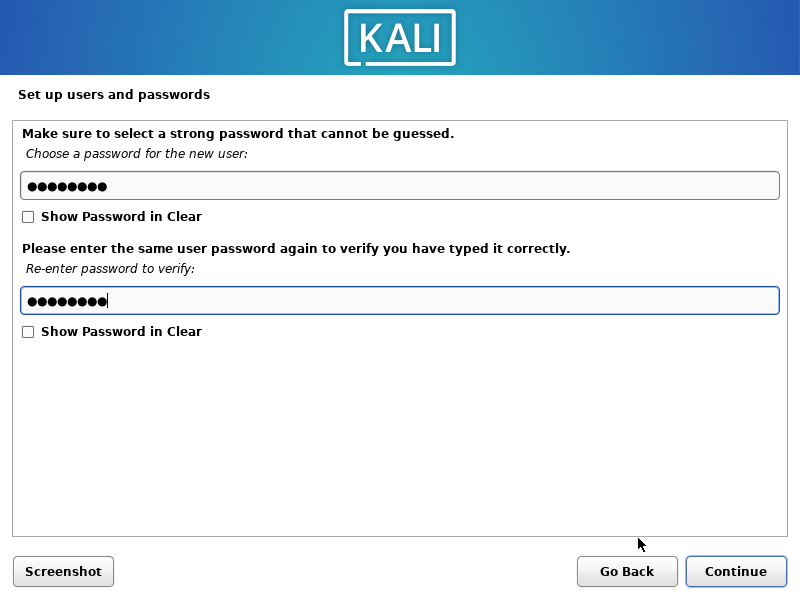
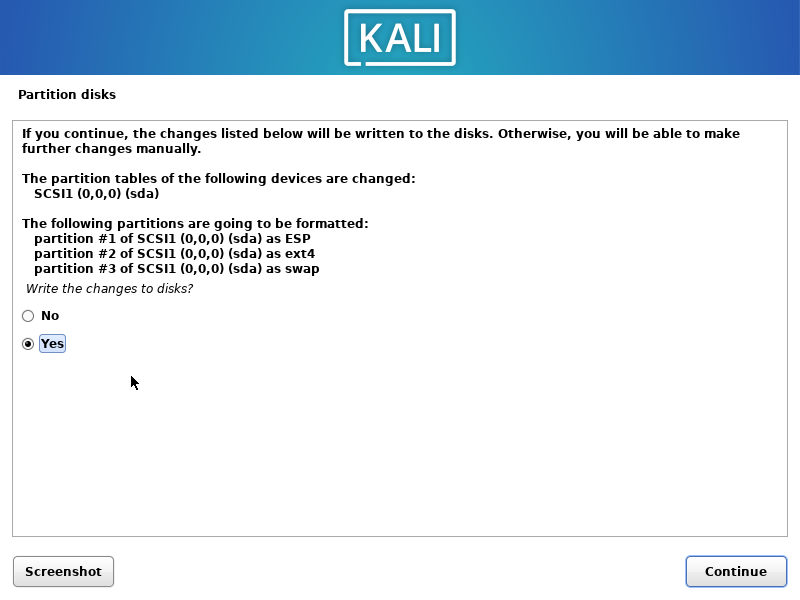
Partitioning
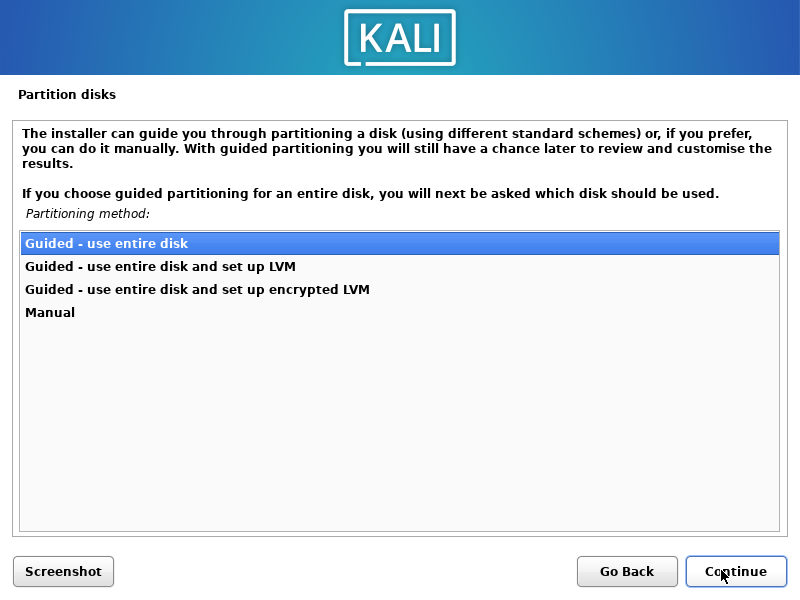
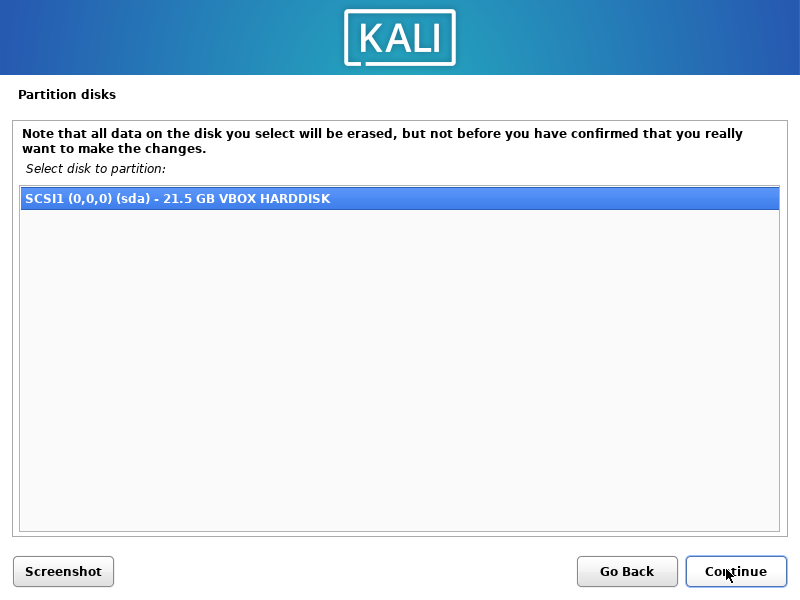
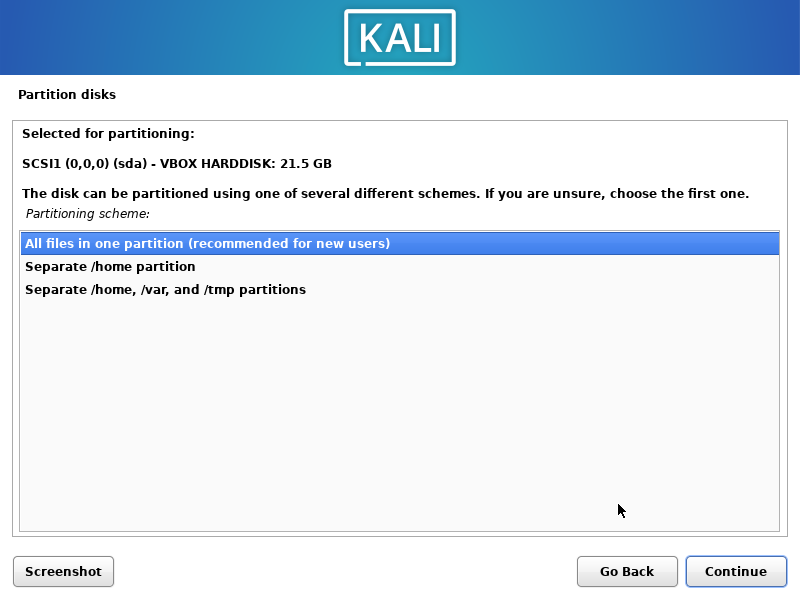
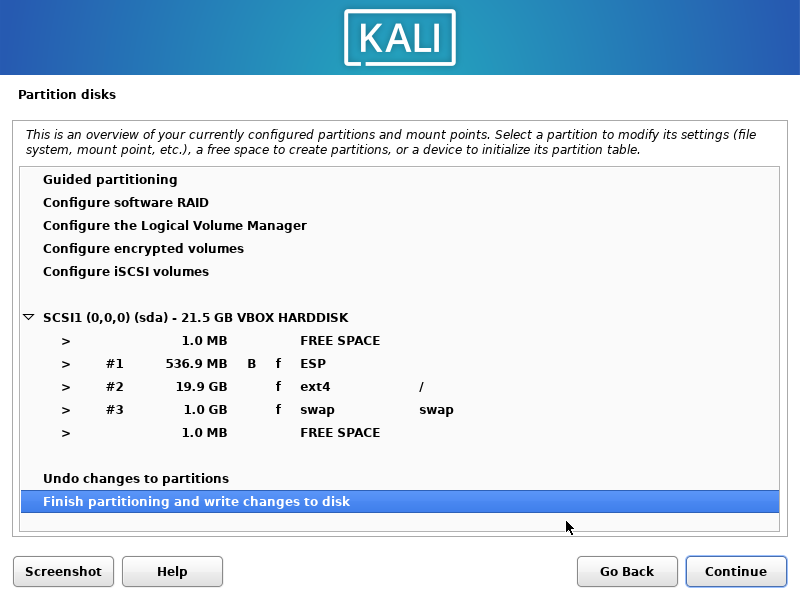
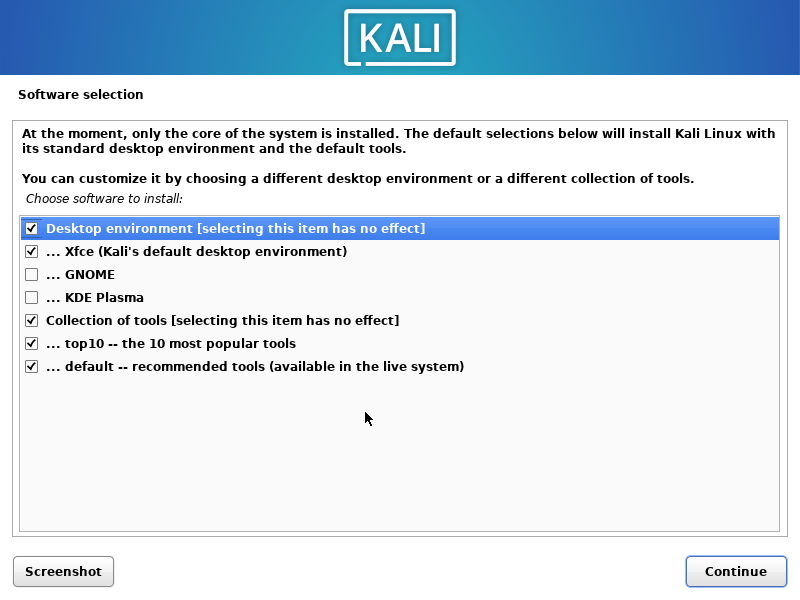
Default packages
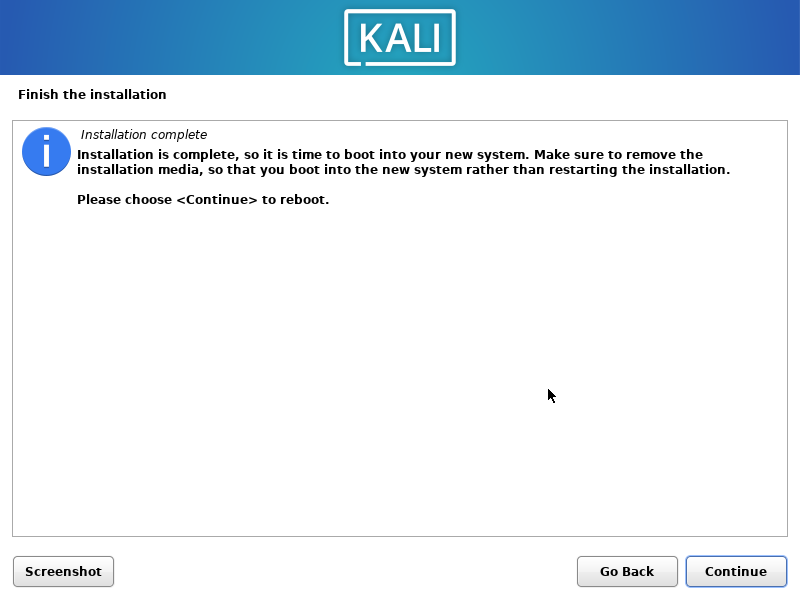
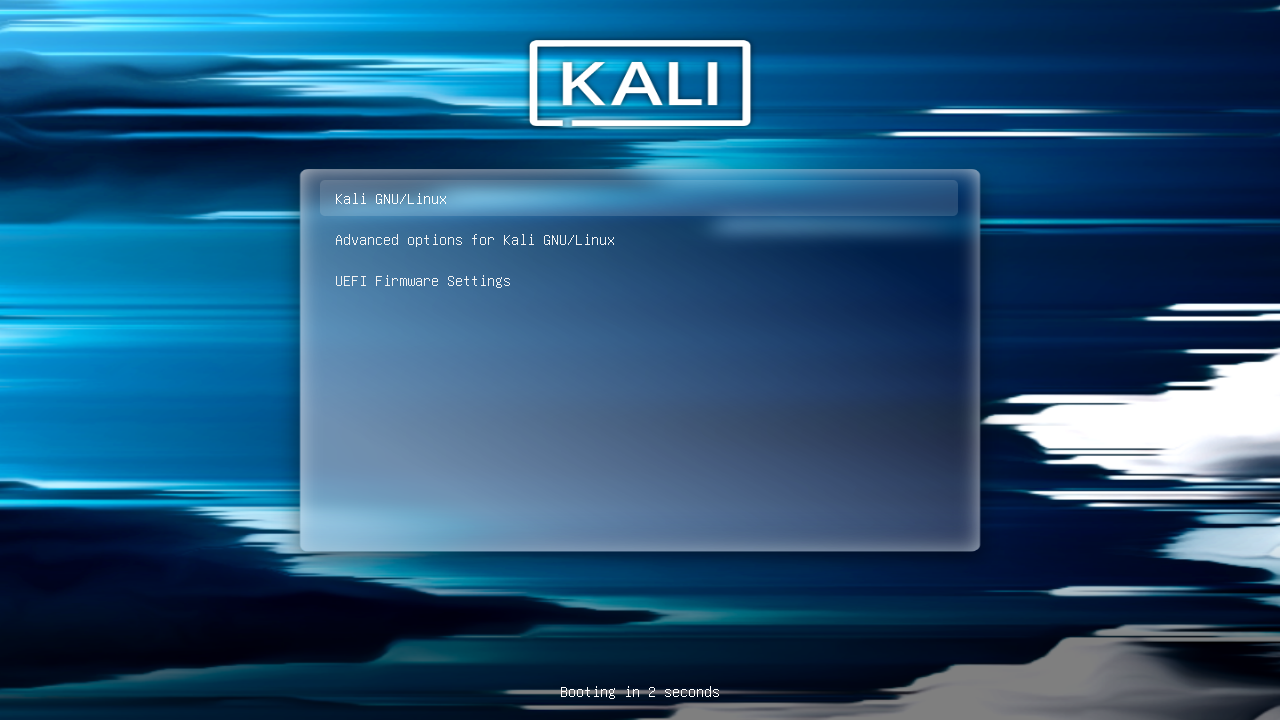
First reboot
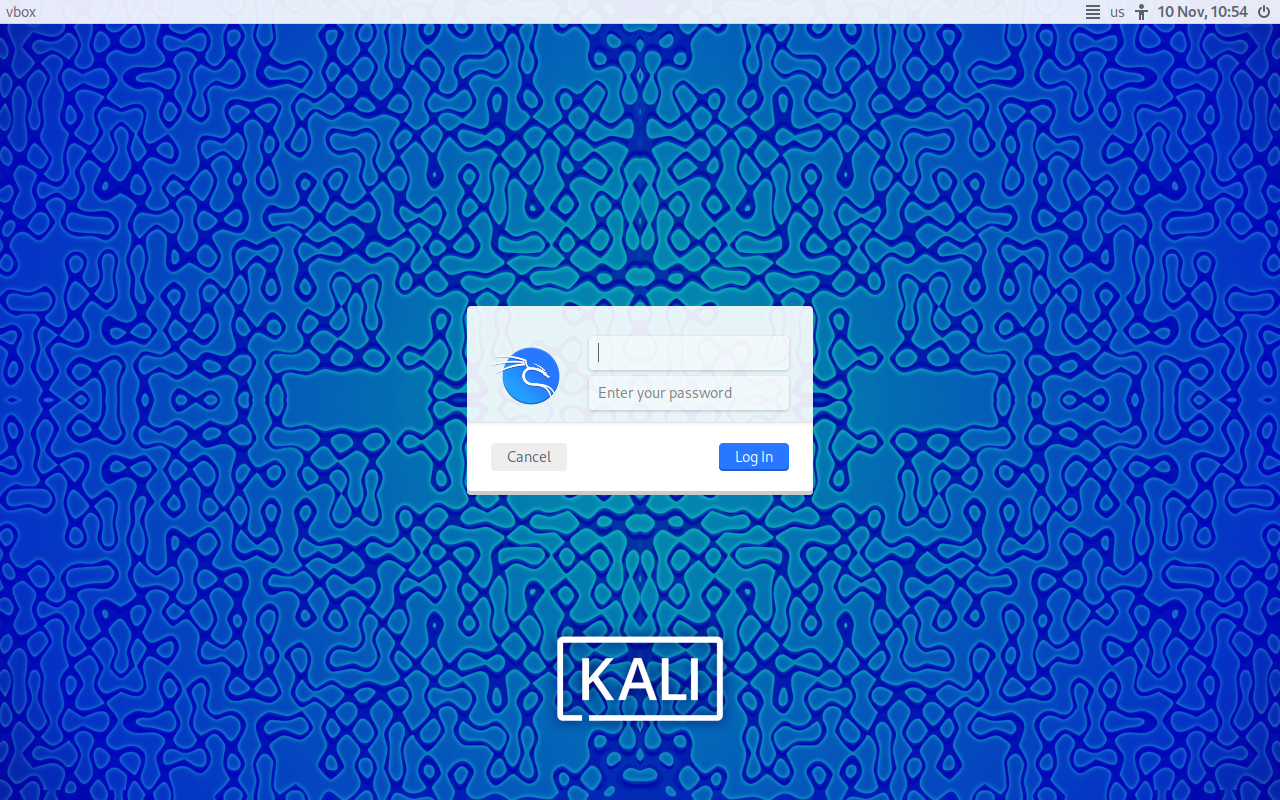
check your login/pass then shutdown the VM
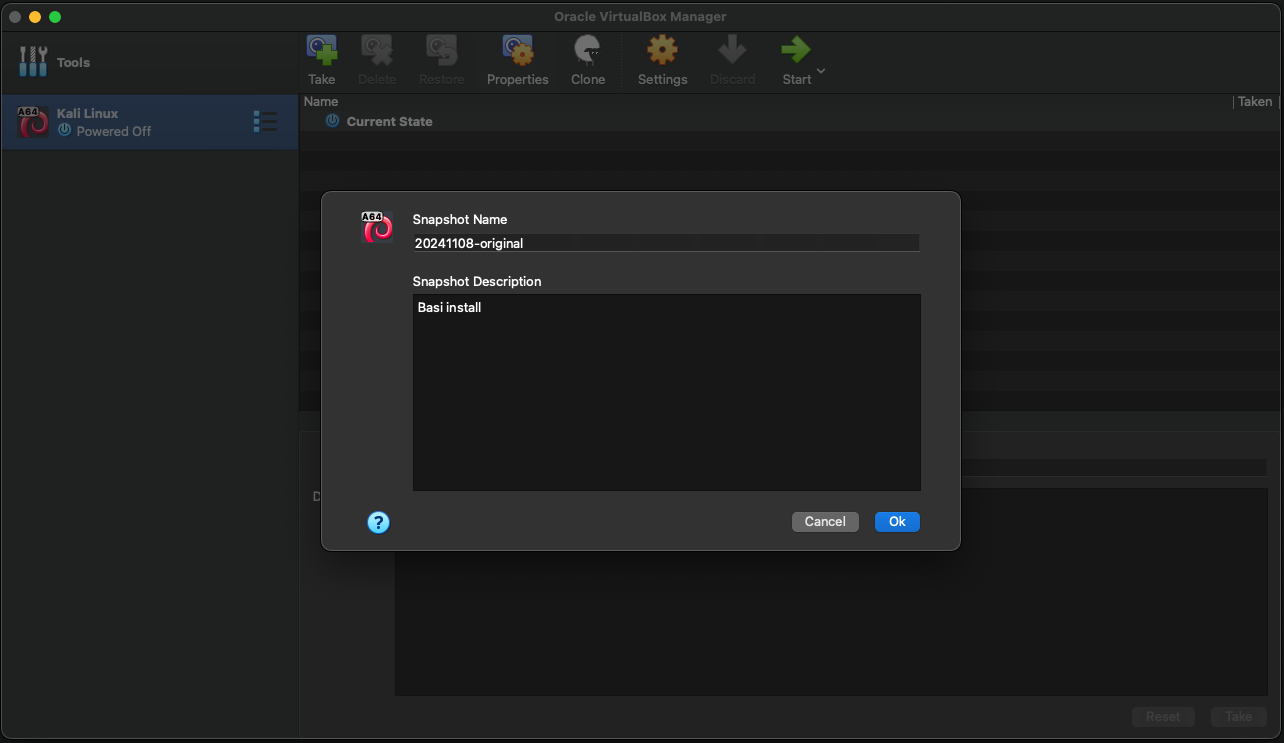
Snapshot
First full upgrade
sudo su
apt update
apt dist-upgrade -y && reboot
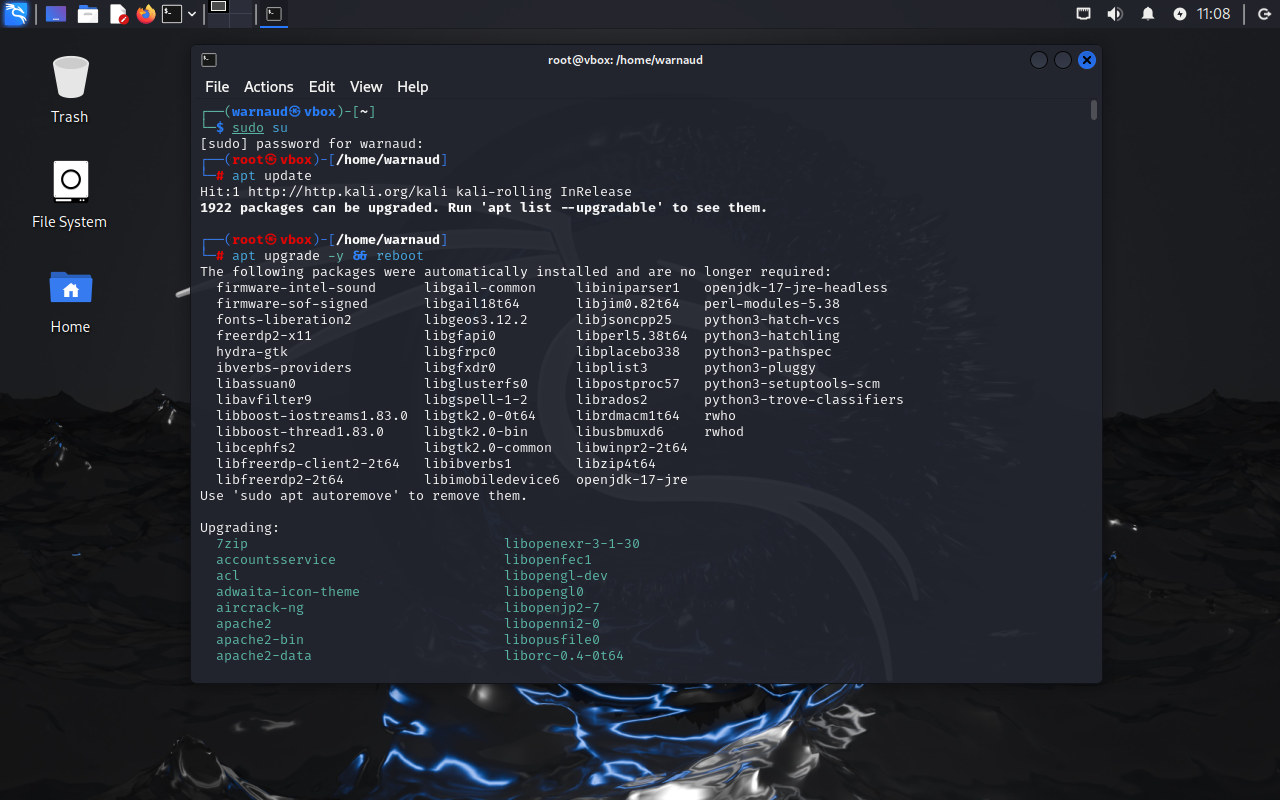 we can safely apply any update/restart any services set default values as nobody but us is on this VM
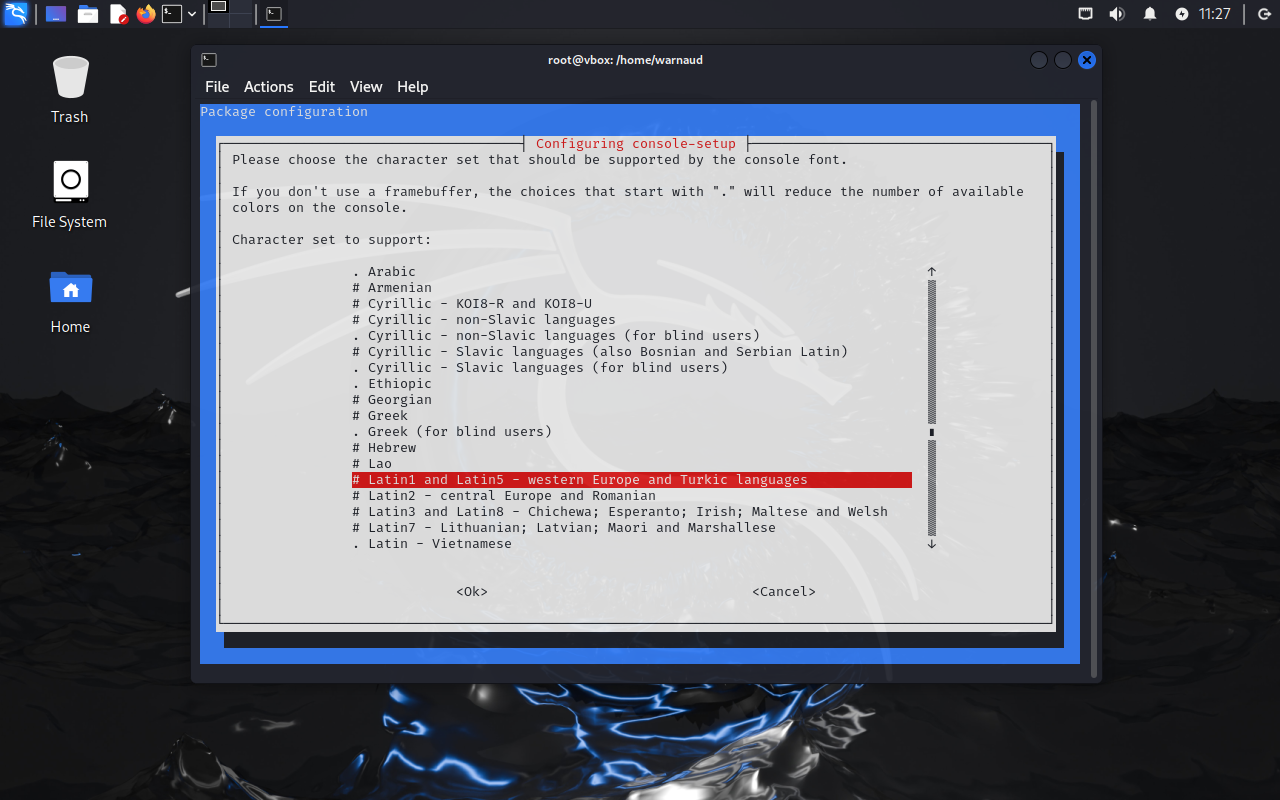 …
…
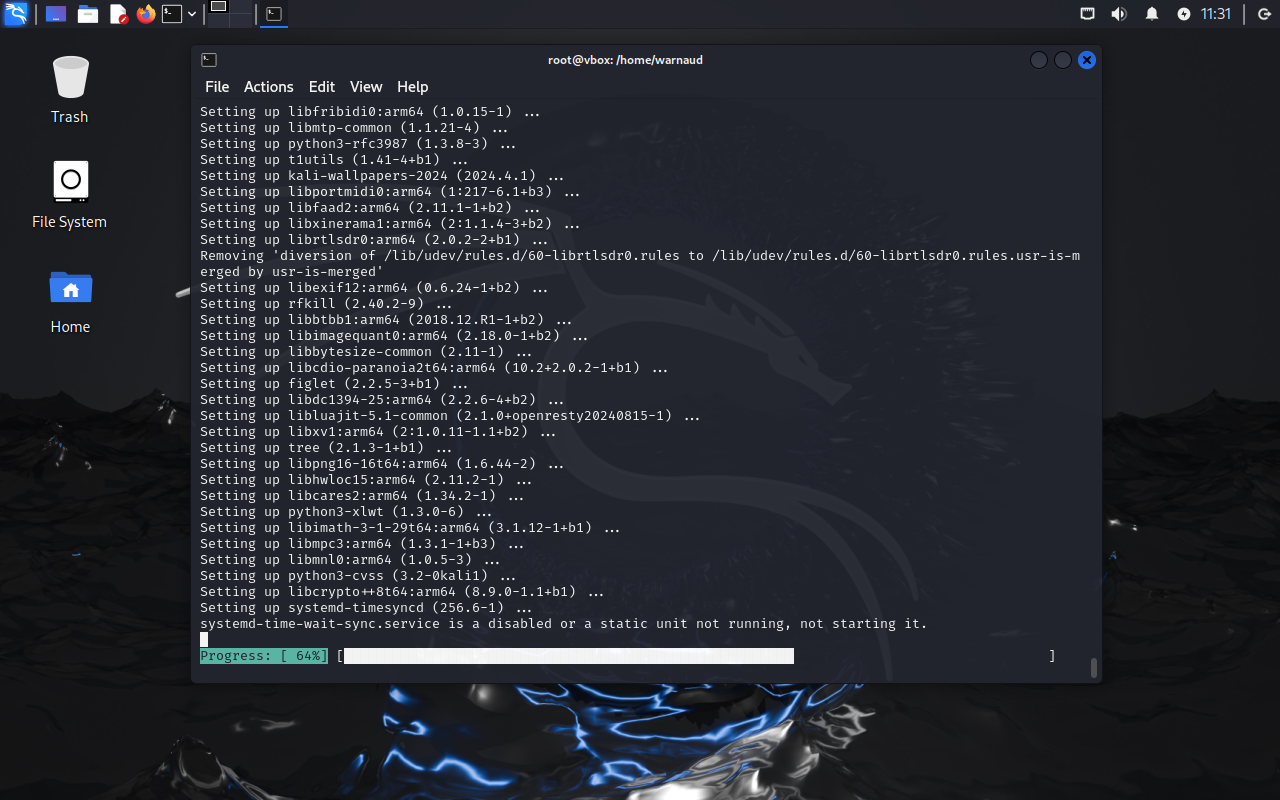 Takes a while but should finish then immediately reboot. If it doesn't reboot, note the error and google/Ai for it
snapshot II
shutdown the machine and make a new snapshot
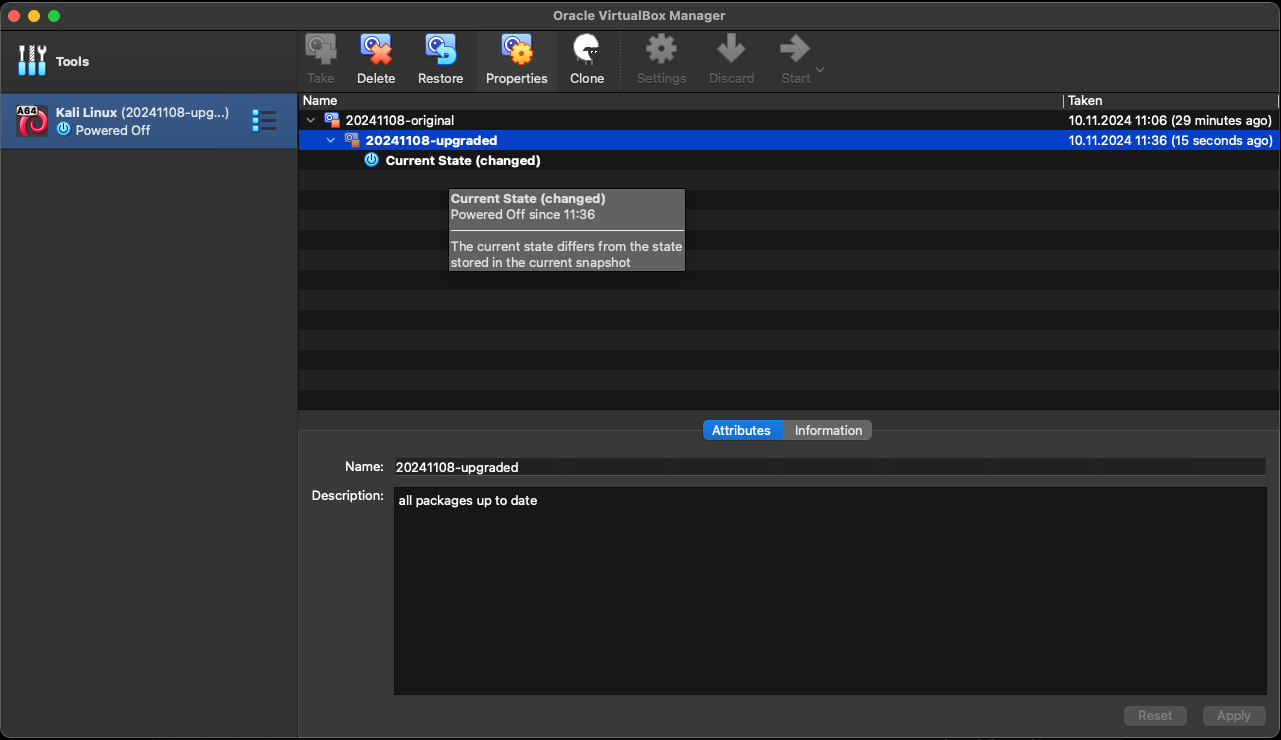
Guest Tools installation
boot the VM, log in your session
click on the menu Devices> Insert Guest Addition CD
Right-click on the CD on the Desktop and choose “Mount Volume”
 Launch a terminal
sudo su
cd /media/cdrom0
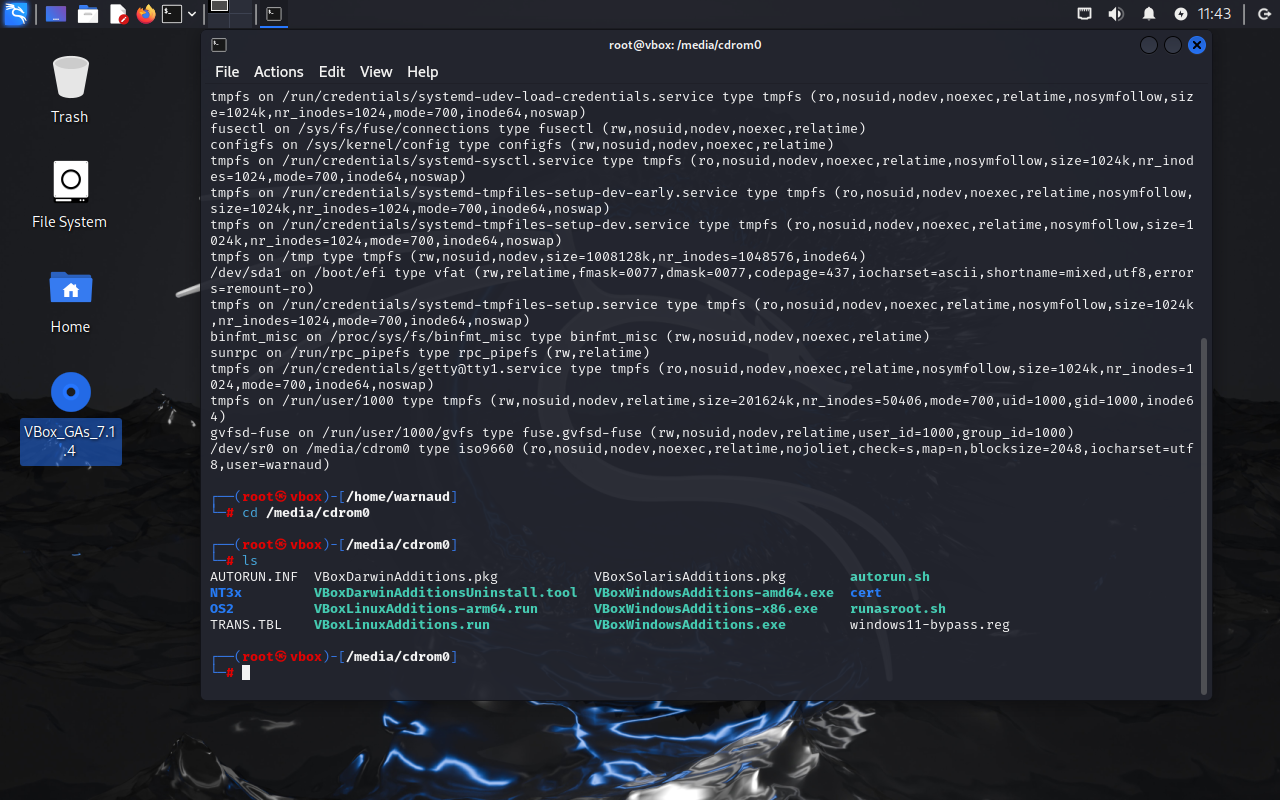
 apt install -y dkms linux-headers-`uname -r` build-essential
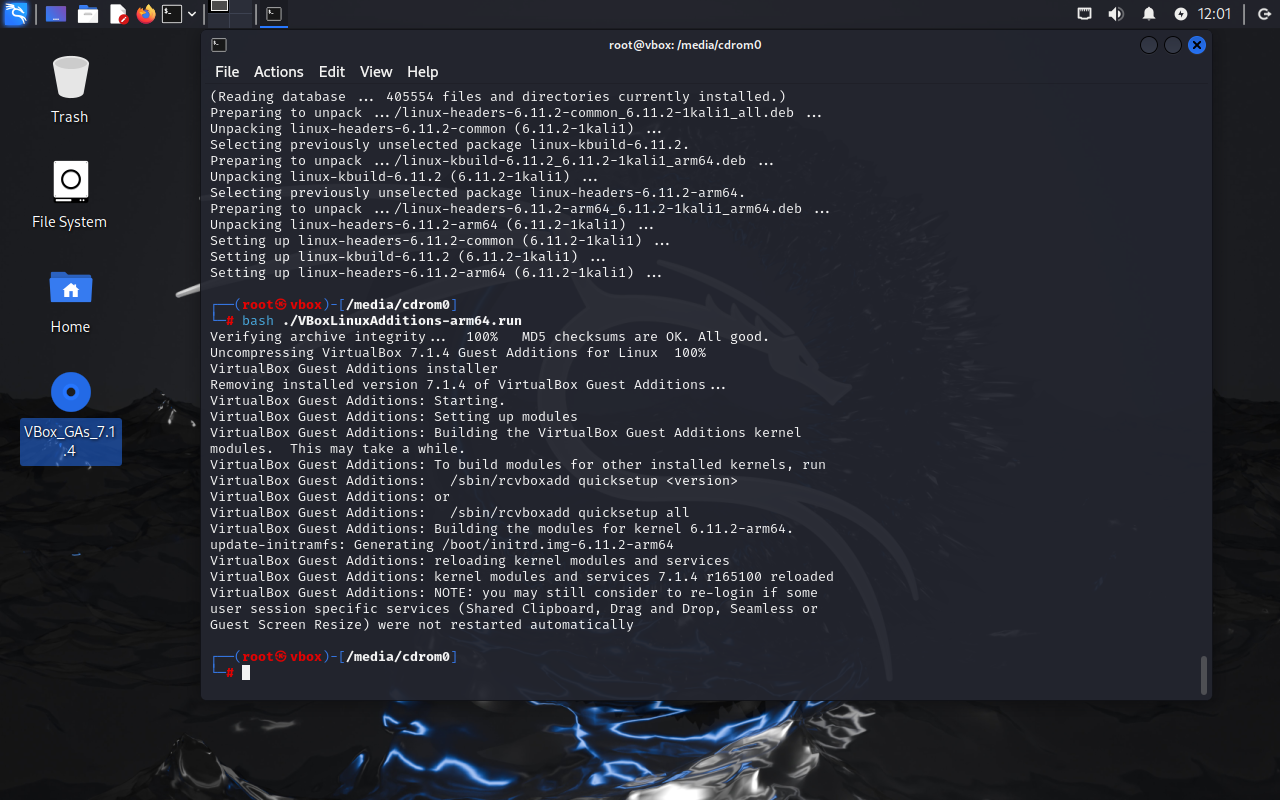
sh ./VBoxLinuxAdditions-arm64.run
usermod -sG vboxsf warnaud
chane warnaud by the name of your user
Fine tuning
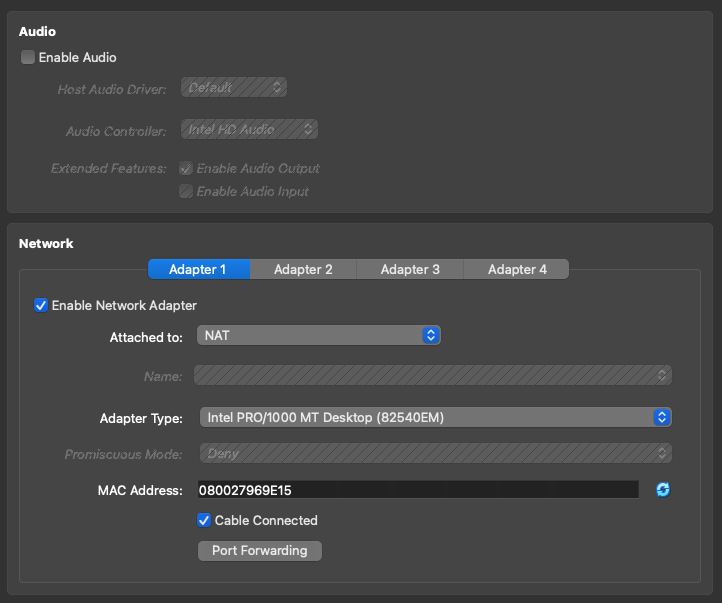
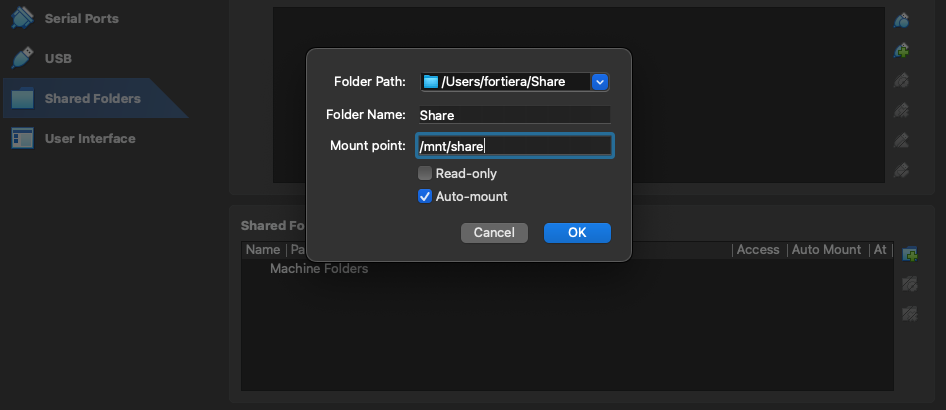
stop the machine and click on the settings button to fine tune it:
- add more RAM and CPU if possible (runs fine with defaults)
- add clipboard
- 3D acceleration
- disable audio
- share folder
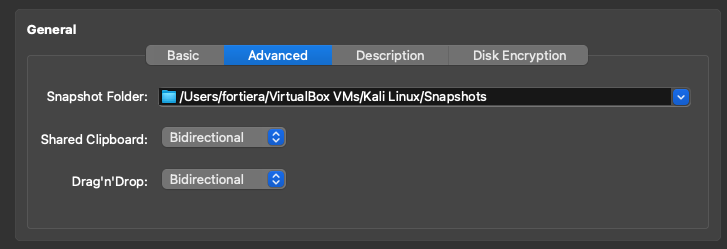
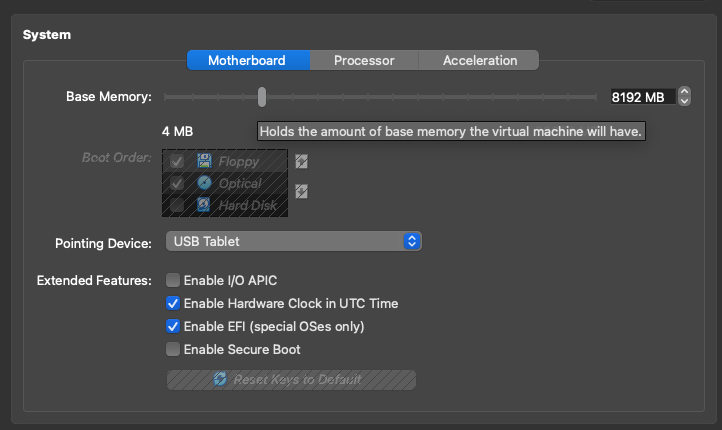
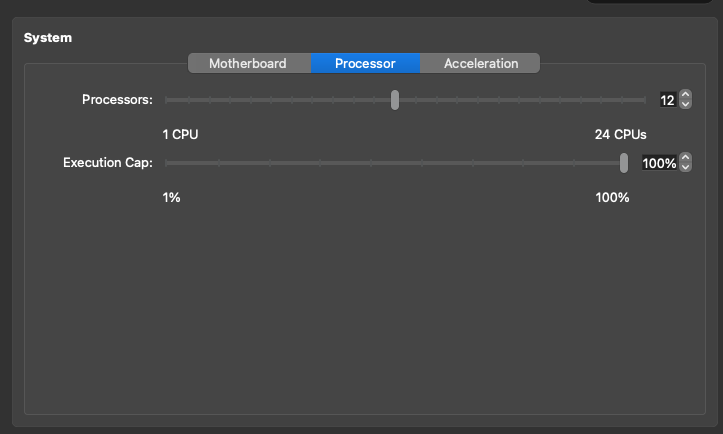
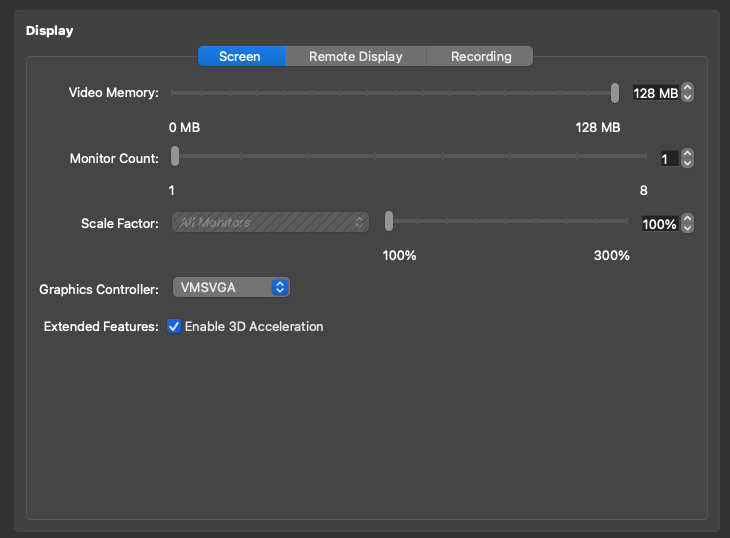
Extra packages
Start the machine, now you “should be able to copy/paste commands !
apt update && apt install -y htop ccze dfc iftop libreoffice libreoffice-l10n-de libreoffice-l10n-fr clipit zaproxy
Hacks
sudoers
sudo su
usermod -aG kali-trusted kali
Autologin
sudo su
Manual
vi /etc/lightdm/lightdm.conf
...
[Seat:*]
...
autologin-user=kali
autologin-user-timeout=0
...
One-liner

sudo sed -i 's/#autologin-user=/autologin-user=kali/g; s/#autologin-user-timeout=0/autologin-user-timeout=0/g' /etc/lightdm/lightdm.conf
Extra packages
Docker
sudo su
apt update
apt install -y apt-transport-https ca-certificates curl gnupg lsb-release
# Add Docker's official GPG key
curl -fsSL https://download.docker.com/linux/debian/gpg | gpg --dearmor -o /usr/share/keyrings/docker-archive-keyring.gpg
# Add Docker repository (using Debian as base since Kali is Debian-based)
echo "deb [arch=arm64 signed-by=/usr/share/keyrings/docker-archive-keyring.gpg] https://download.docker.com/linux/debian bullseye stable" | tee /etc/apt/sources.list.d/docker.list > /dev/null

# Update package list again
apt update
apt install -y docker-ce docker-ce-cli containerd.io
systemctl enable docker --now
usermod -aG docker kali
Docker-compose
check: https://github.com/docker/compose/releases/ for url
sudo su
sudo wget https://github.com/docker/compose/releases/download/v2.30.3/docker-compose-linux-aarch64 -O /usr/bin/docker-compose
chmod +x /usr/bin/docker-compose
Test
Does it work?
log out or reboot so the user kali is part of the docker group
docker info
docker-compose info
Volatility 2 & python2
sudo su
# Install dependencies
apt install -y python2 python2-dev build-essential git libdistorm3-dev yara libraw1394-11 libcapstone-dev capstone-tool tzdata libpython2-dev libjpeg-dev zlib1g-dev libfreetype6-dev liblcms2-dev libwebp-dev tcl8.6-dev tk8.6-dev python2.7-tk
#Install pip
cd
curl https://bootstrap.pypa.io/pip/2.7/get-pip.py --output get-pip.py
python2 get-pip.py
# Install Python deps with python2 pip
python2 -m pip install -U setuptools wheel
python2 -m pip install importlib
python2 -m pip install distorm3
python2 -m pip install pycrypto
python2 -m pip install yara-python==3.11.0
python2 -m pip install pillow
python2 -m pip install openpyxl
python2 -m pip install pytz
python2 -m pip install ipython
python2 -m pip install capstone
# link yara
ln -s /usr/lib/aarch64-linux-gnu/libyara.so.10 /usr/lib/libyara.so
# Check python & yara are working
python2 -c "import yara; print('YARA Python working')"
yara --version

# Clone Volatility 2
cd /opt
git clone https://github.com/volatilityfoundation/volatility.git
echo "#! /usr/bin/bash
/usr/bin/python2  /opt/volatility/vol.py \$@" > /usr/local/bin/volatility
chmod +x /usr/local/bin/volatility
Volatility 3
sudo su
cd /opt
git clone https://github.com/volatilityfoundation/volatility3.git
ln -s /opt/volatility3/vol.py /usr/local/bin/volatility3
Yara
sudo su
mkdir /opt/yara
cd /opt/yara
git clone https://github.com/Yara-Rules/rules.git